
LEARN
Learn Railyard Five short videos, from your first rack to the handover.
Watch the editor do the job: sign in and place your first devices, cable and power them, draw the network, review the design, then export it for NetBox, Nautobot and your installers. Each video is a few minutes and picks up where the last one stops.
THE SERIES · 5 VIDEOS
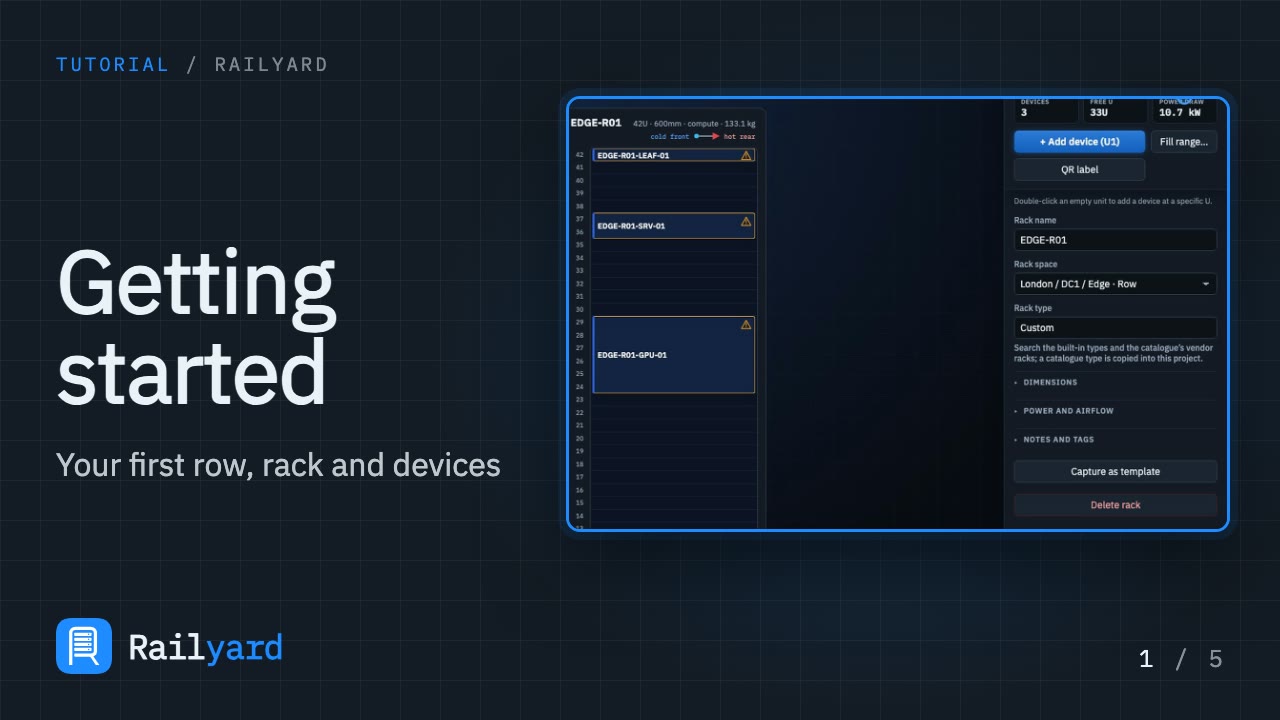 2:421 of 5Getting started with RailyardYour first row, rack and devicesSign in, add a row, a rack and three real devices, and learn what the amber design warnings mean.
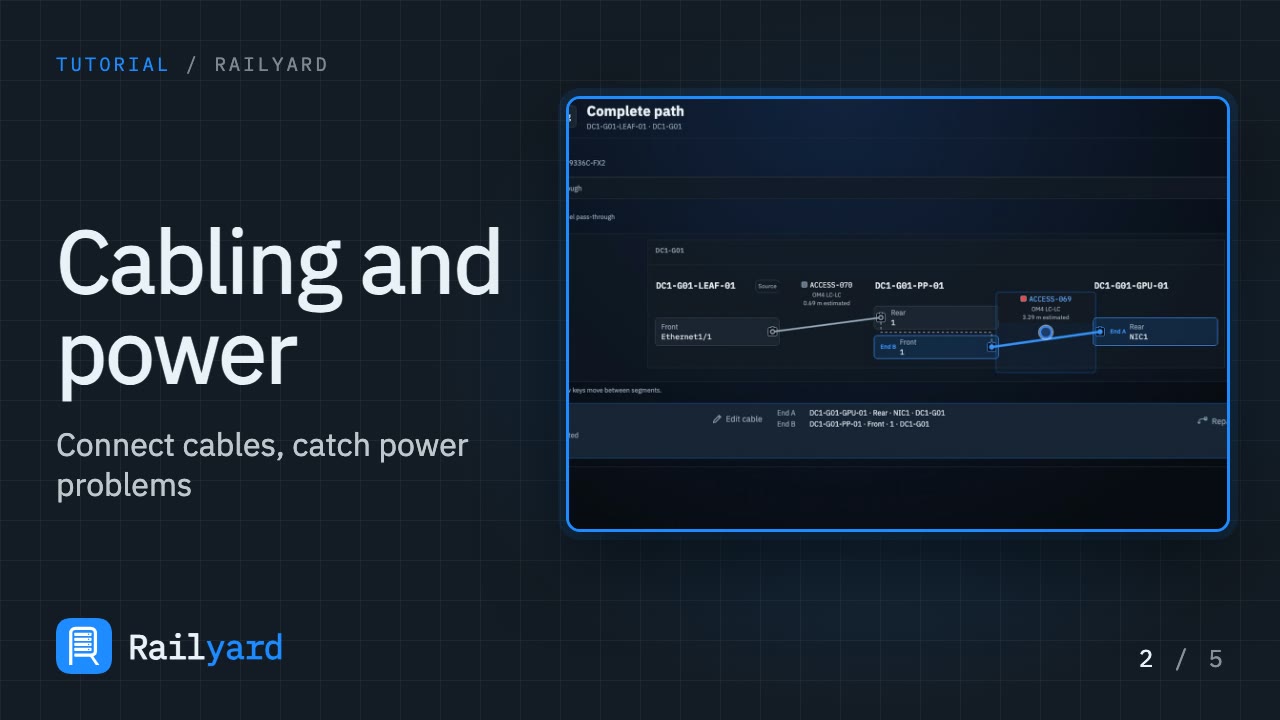 1:402 of 5Cabling and powerConnect cables and catch power problemsConnect a cable, trace a complete path through a patch panel, and see how a missing power feed is flagged and cleared.
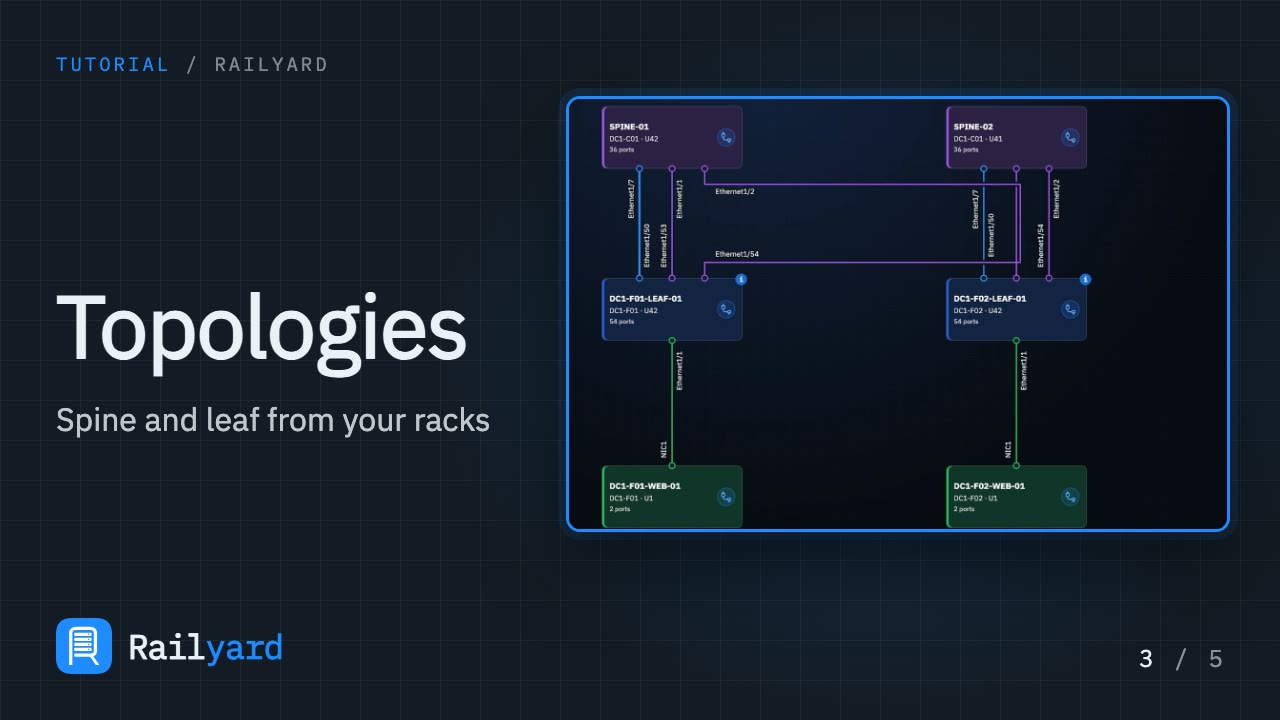 1:543 of 5TopologiesA spine and leaf diagram from your racksBuild a spine and leaf topology from devices already in your racks, draw real cables, and import the cabling your racks already hold.
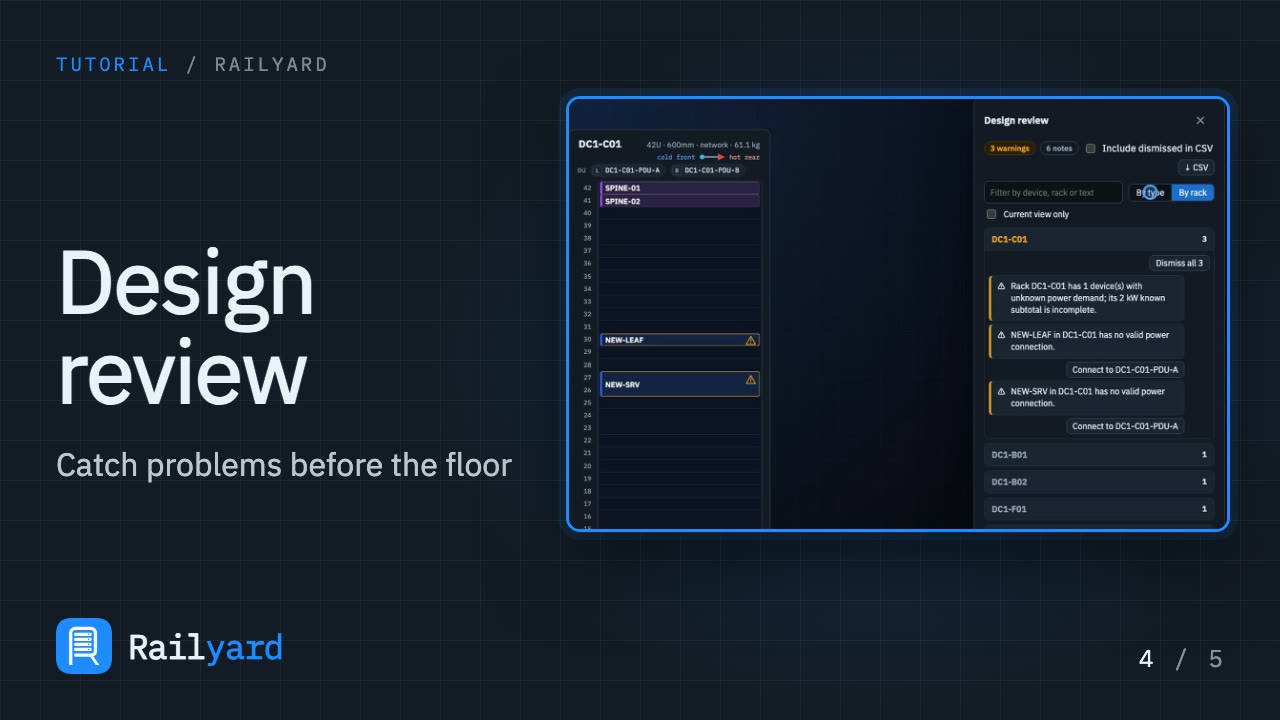 1:314 of 5Design reviewCatch problems before they reach the floorSee how findings are graded, grouped and filtered, jump to the device at fault, clear power warnings, and check what has and hasn't been checked.
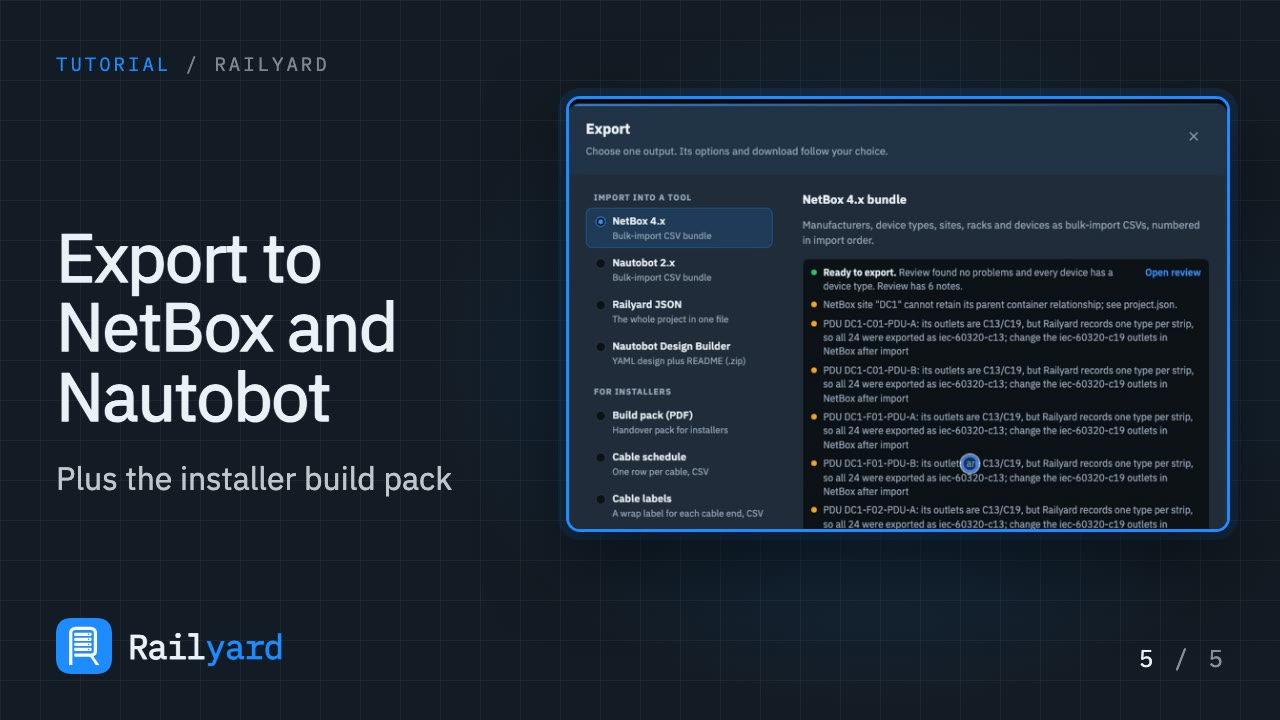 2:045 of 5Export to NetBox and NautobotPlus the installer build packExport for NetBox and Nautobot, Design Builder YAML and Railyard JSON, then the build pack and installer sheets. Deliverables come with paid plans.
Videos play from YouTube in its privacy-enhanced mode, and only after you press play. Prefer to read? The documentation covers every screen.