
FOR MIGRATIONS AND REFRESHES
Data centre migration planning Plan the move before the first rack is unbolted.
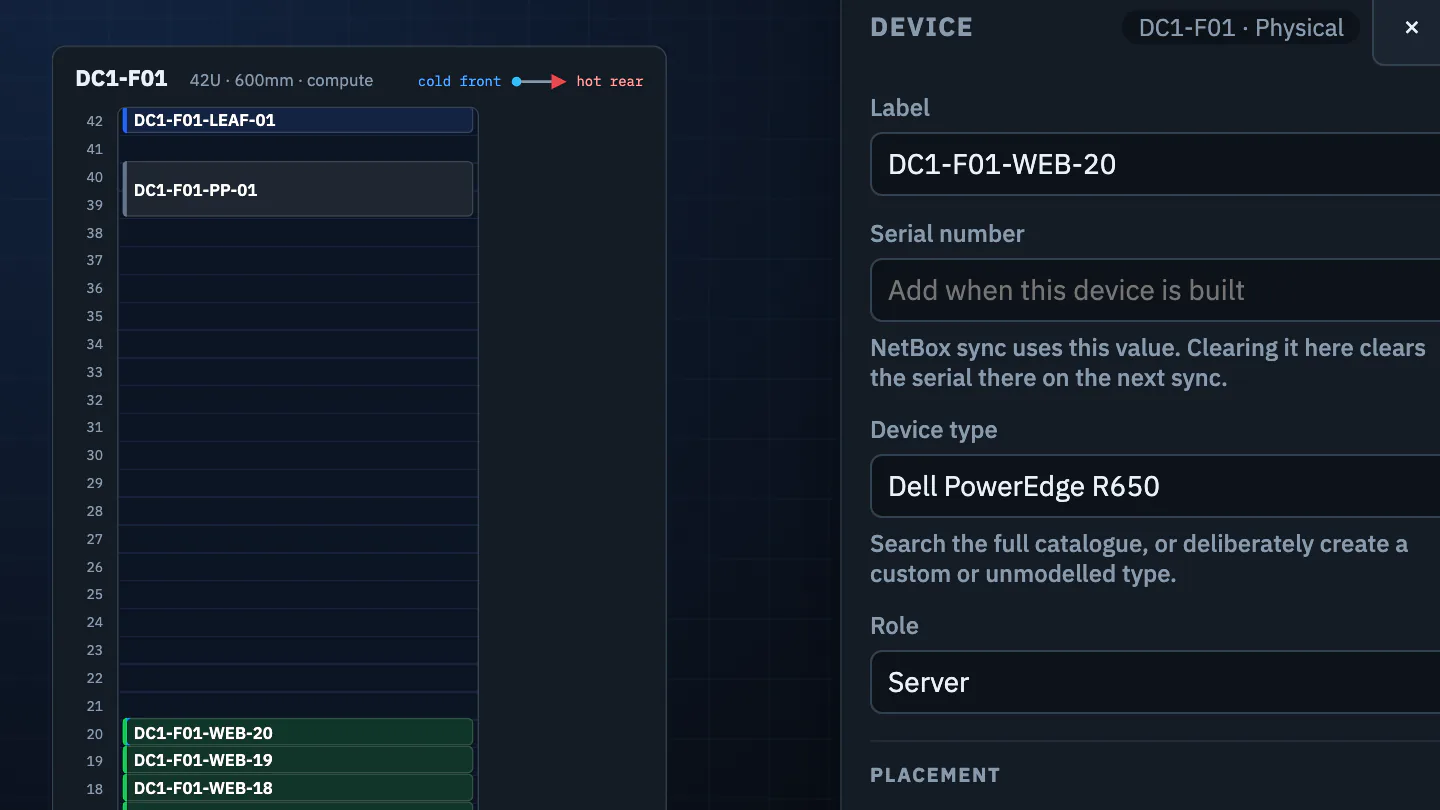
Start from the current estate, imported from spreadsheets or NetBox's own CSV exports, design the target layout in the same project, and use the store room and version history to keep track of what moves, what is reused and what is new.
Explore the example first; an account is needed to save your own work.
THE JOB TO DO
A move is two designs and the steps between them
A migration has a room as it is, a room as it will be, and a sequence of physical steps to get from one to the other. Kept in separate drawings and spreadsheets, the three drift apart, and the move crew ends up working from whichever was updated last.
THE WORKFLOW
From the room you have to the room you want
Start from what you have
Import racks, devices and cables from CSV: Railyard reads its own exports and NetBox's device and cable CSVs as they are. For a whole NetBox site, the separate railyard-sync command-line tool (in early development) reads it in through NetBox's API.
Design the target
Lay out the destination in the same project. Return hardware to the store room and place it in its new rack, and add what is new. Version history lets you go back to an earlier version.
Plan the cut-over
On Team, make the change on a branch and open a merge request: its implementation pack lists the steps in a safe order (disconnect power, remove cables and devices, move, install, connect) with a tick box for each, and draws every rack it touches as it will be and as it was.
THE RESULT
One list for the move crew
The crew works from one ordered list, the cable schedule says which run lands where, and when the move is done the new room is ready to export to NetBox or Nautobot.
Designing this is free on Community. Build pack PDF and Cable schedule are deliverables: exporting them needs a Project Pass for the estate or a Pro, Team or Partner plan. The raw project file is free on every plan. See pricing →
SEE IT IN CONTEXT
Start with a real example estate.
Follow one guided task, then inspect how the rack, cables, power and export fit together.