
COMPARED WITH A DRAWING AND SPREADSHEETS
Rack planning without Visio and Excel One model instead of a drawing and three spreadsheets.
Drawing tools are good at pictures and spreadsheets are good at lists. A rack plan needs both to agree: the device in U12 is the one in row 40 of the cable sheet and the one drawing power from outlet 7. Railyard keeps them as one design.
Explore the example first; an account is needed to save your own work.
THE JOB TO DO
Where the drawing and the spreadsheets drift apart
A rack drawn in Visio or draw.io is a picture, and the cable and power lists live in spreadsheets beside it. Moving a device in the drawing does not move its cables, change the power total or rename its labels; each file is edited by hand, and nothing checks that they still agree when the installers arrive.
THE WORKFLOW
Moving a plan into Railyard
Bring the lists in
Import the racks, devices and cables you already keep as CSV, or start from the example design. Unknown device types are looked up in the built-in catalogue of more than 7,000 models.
Place, cable and power
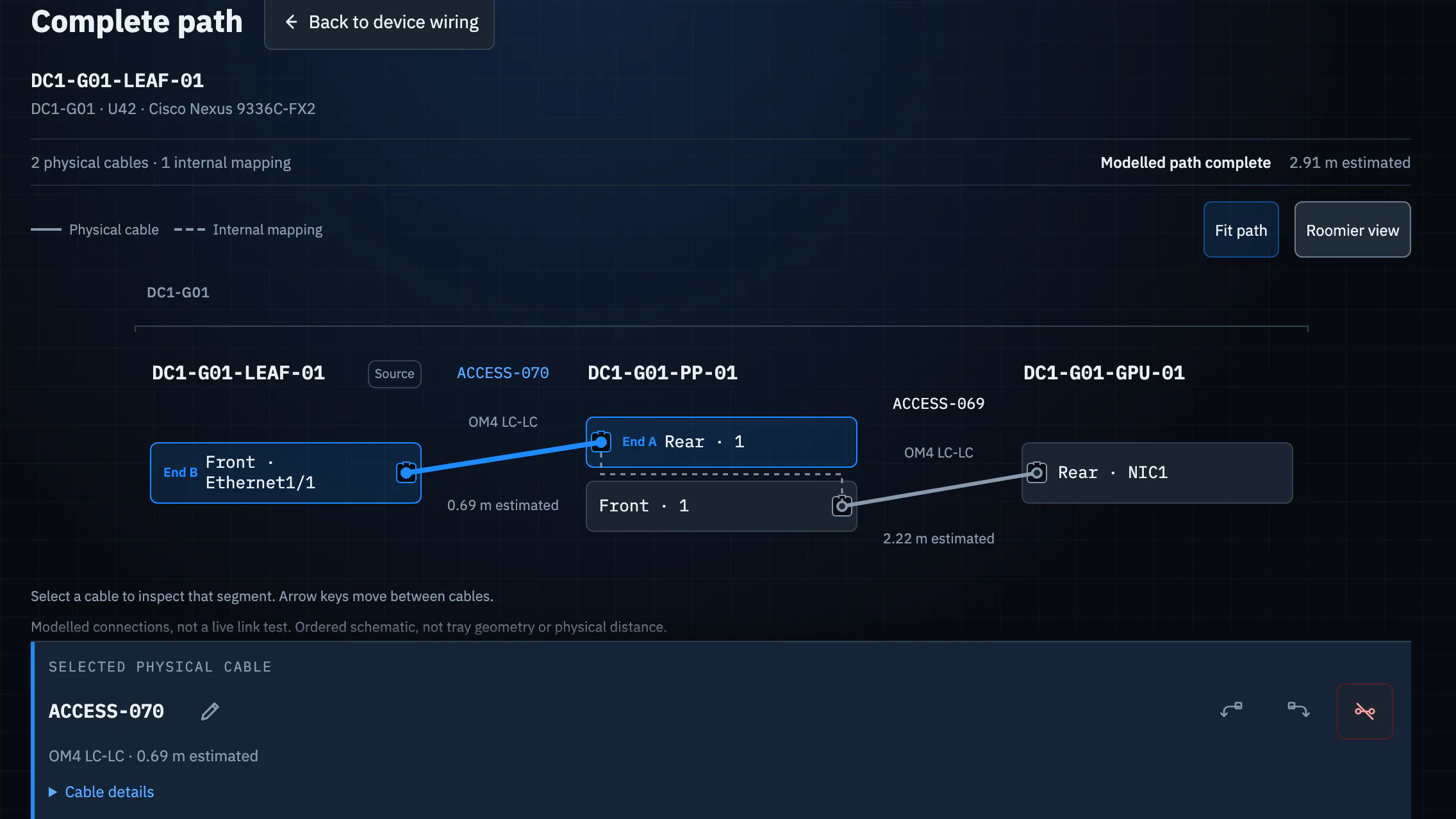
Place devices on the rack elevation, connect named ports, map patch panels and feed each power inlet from a PDU outlet. Each change is made once and every view follows it.
Generate the paperwork
The design review checks power, cabling, weight and clearances. The build pack, cable schedule, labels and power schedule are generated from the design rather than copied from it.
THE RESULT
Fewer surprises on site
The installers' paperwork, the power figures and the DCIM import all come from the design the team reviewed, so a late change reaches every one of them.
SIDE BY SIDE
A drawing and spreadsheets compared with Railyard, for planning racks, cabling and power
| A drawing plus spreadsheets | Railyard | |
|---|---|---|
| Rack elevations | Drawn shape by shape | Placed from device types with their height, ports and power draw |
| Cabling | Rows in a spreadsheet, checked by eye | Cables on named ports, traced through patch panels, with a generated schedule and labels |
| Power | Totals in a spreadsheet | Inlets fed from PDU outlets, compared with each rack's budget |
| Keeping files in step | By hand, after every change | One design: change it once |
| Hand-over | Screenshots and exported sheets | A build pack PDF, installer CSVs and NetBox or Nautobot import files |
Designing this is free on Community. Build pack PDF, Cable schedule and Cable and rack labels are deliverables: exporting them needs a Project Pass for the estate or a Pro, Team or Partner plan. The raw project file is free on every plan. See pricing →
SEE IT IN CONTEXT
Start with a real example estate.
Follow one guided task, then inspect how the rack, cables, power and export fit together.