
FOR INTEGRATORS AND CONSULTANCIES
Data centre design for integrators and consultancies Hand the client a design they can check and files their team can use.
Keep each engagement in its own project: the floor, racks, cabling, power and network in one model. Share it read-only while it is being agreed, then hand over a printed build pack for the installers and import files for the client's DCIM.
Explore the example first; an account is needed to save your own work.
THE JOB TO DO
Every engagement ends in a hand-over pack
A design engagement usually finishes as a drawing, a few spreadsheets and a document assembled by hand, and every late change means editing all of them. When the client's team later loads the result into NetBox or Nautobot, someone types it in again. Railyard keeps the design in one model, so the hand-over documents are generated from it rather than assembled.
THE WORKFLOW
From kick-off to hand-over
Set up the engagement
Create a project for the client and fill in Company, Prepared for and Prepared by in its settings: the build pack prints them on its cover. Start from a blank estate, the example, or the client's own racks, devices and cables as CSV.
Agree it with the client
Send a review link: the client opens the design read-only in a browser, without an account, until it expires after 7, 30 or 90 days or you revoke it. On Team, colleagues propose changes on branches and approve them in merge requests before they reach main.
Hand over
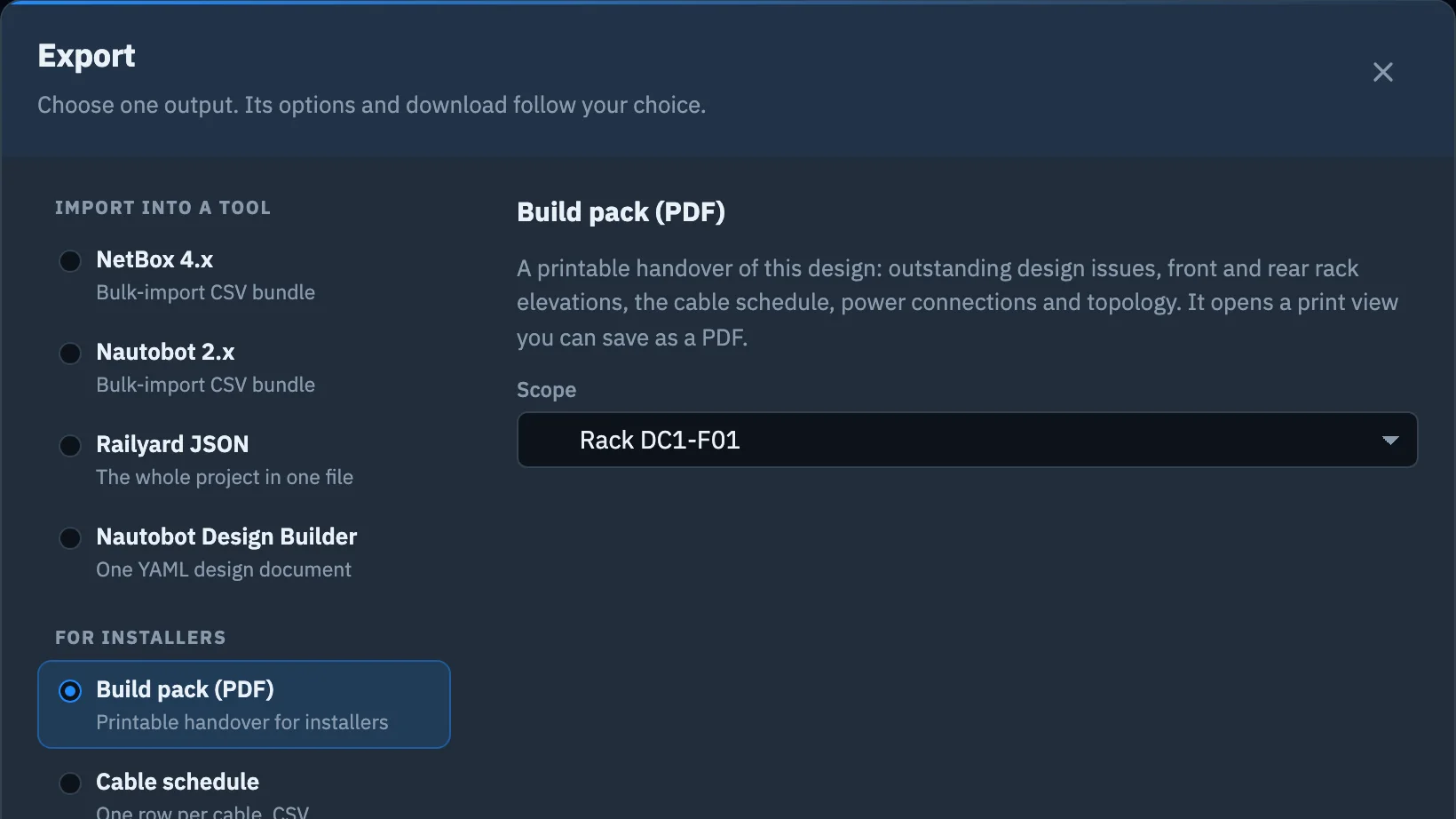
Export the build pack, cable schedule, labels and power schedule for the installers, and a NetBox or Nautobot bulk-import bundle for the client's DCIM. The Project JSON can go with them; it is free to download on every plan.
THE RESULT
Documents that agree with each other
The client receives one set of documents generated from one model, and import files that put the design into their source of record. When the scope changes, you regenerate the pack instead of editing it page by page.
Designing this is free on Community. Build pack PDF, NetBox bulk-import bundle and Nautobot bulk-import bundle are deliverables: exporting them needs a Project Pass for the estate or a Pro, Team or Partner plan. The raw project file is free on every plan. See pricing →
SEE IT IN CONTEXT
Start with a real example estate.
Follow one guided task, then inspect how the rack, cables, power and export fit together.