
COMPARED WITH PLANNING IN THE DCIM
NetBox Branching, Nautobot Design Builder or Railyard Plan in the DCIM, or before it?
NetBox and Nautobot each have a way to prepare changes before they become the record: NetBox Labs' Branching plugin and Nautobot's Design Builder app. Railyard works a step earlier, on the physical design itself, and exports to both DCIMs, so they can be used together.
Explore the example first; an account is needed to save your own work.
THE JOB TO DO
Two different jobs
NetBox Branching, an official NetBox Labs plugin, gives each branch its own copy of the NetBox data in a dedicated PostgreSQL schema; changes made in a branch do not affect main until the branch is merged. Nautobot Design Builder, an open-source Nautobot app, populates Nautobot from design files: Jinja templates that describe the objects to create or update. Both work on the DCIM's own records. Railyard works on the physical design: the floor plan, rack elevations, port-level cabling through patch panels, PDU feeds and a design review, and turns the result into files the DCIM imports.
THE WORKFLOW
Using them together
Design and review in Railyard
Lay out the floor and racks, cable and power them, and resolve the design review while nothing has reached the DCIM yet.
Hand it to the DCIM
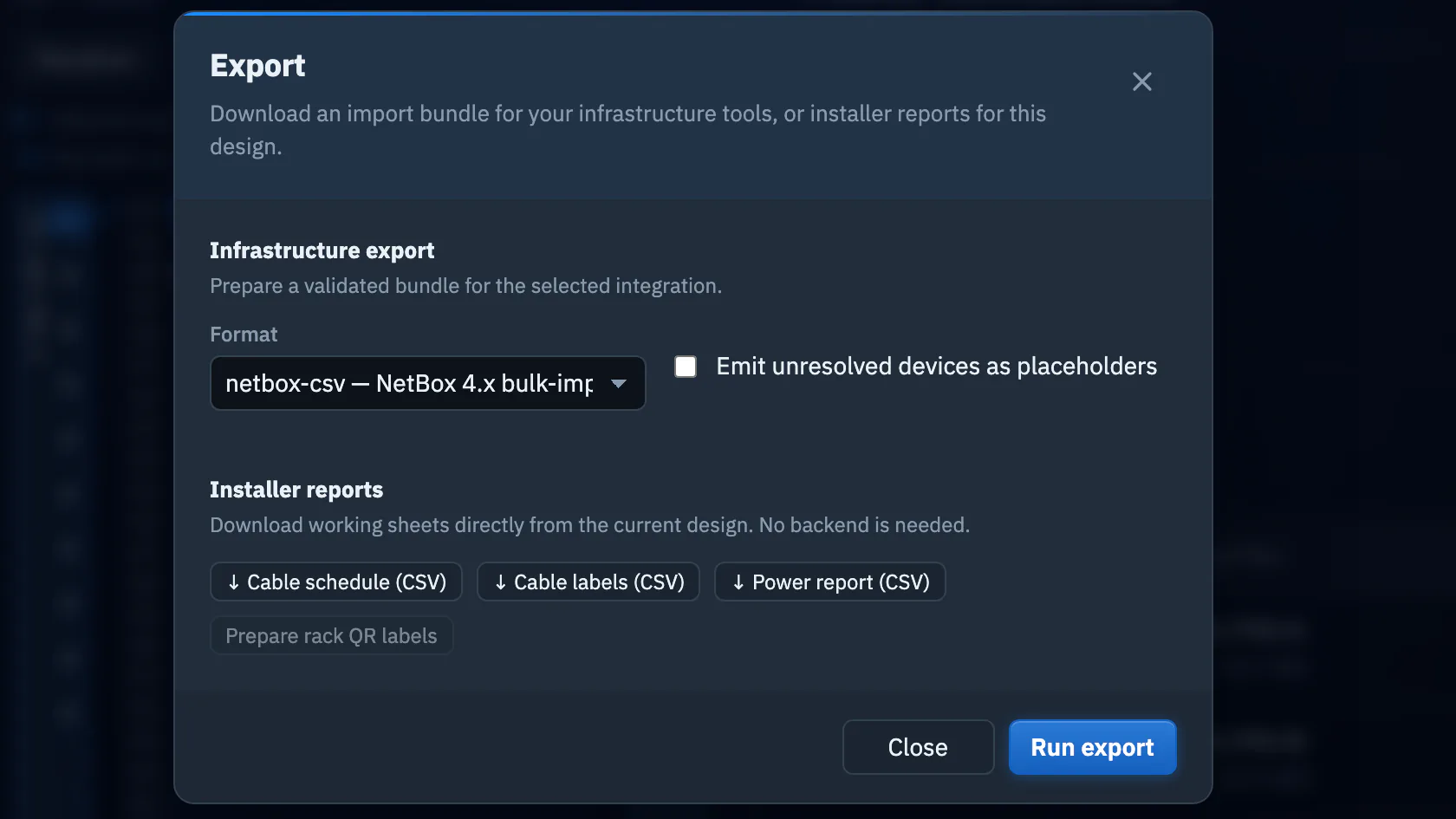
Export a NetBox or Nautobot bulk-import bundle, or a Nautobot Design Builder design, and review and apply it in the DCIM the way your team handles any other change.
Keep the DCIM as the record
Once the build is done, NetBox or Nautobot remains the source of truth. Railyard's NetBox plugin and the railyard-sync command-line tool can keep the DCIM in step with later revisions of the design.
THE RESULT
Design first, then the record
The physical design is settled where it is easiest to see and check, and the DCIM receives it as reviewable data rather than as something retyped from a drawing.
CHOOSING
When each fits
Use NetBox Branching when…
- NetBox is already your source of record and the change is to its records
- You want to stage changes in isolation and merge them into NetBox's main data when they are ready
Use Nautobot Design Builder when…
- Nautobot is your source of record
- You build the same thing many times and want it described once, as design files that create or update Nautobot objects
Use Railyard when…
- The room, racks, cabling and power are still being designed, and nothing should be in the DCIM yet
- You need a floor plan, rack elevations, port-level cabling and power checks, and a build pack for the installers
- The design is agreed with people who do not use your DCIM: clients, facilities or installers
Designing this is free on Community. NetBox bulk-import bundle and Nautobot bulk-import bundle are deliverables: exporting them needs a Project Pass for the estate or a Pro, Team or Partner plan. The raw project file is free on every plan. See pricing →
SEE IT IN CONTEXT
Start with a real example estate.
Follow one guided task, then inspect how the rack, cables, power and export fit together.