What is Railyard?
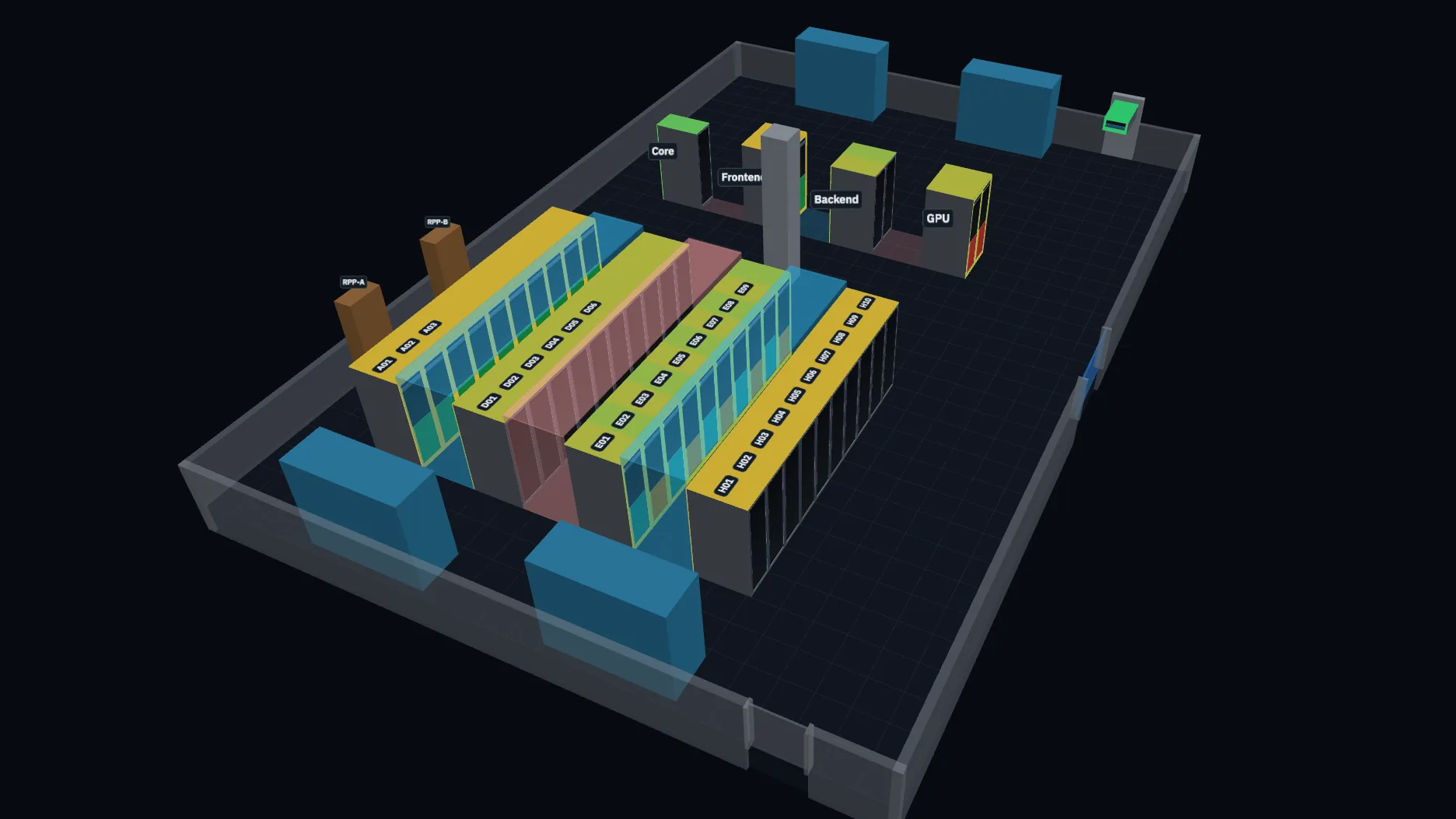
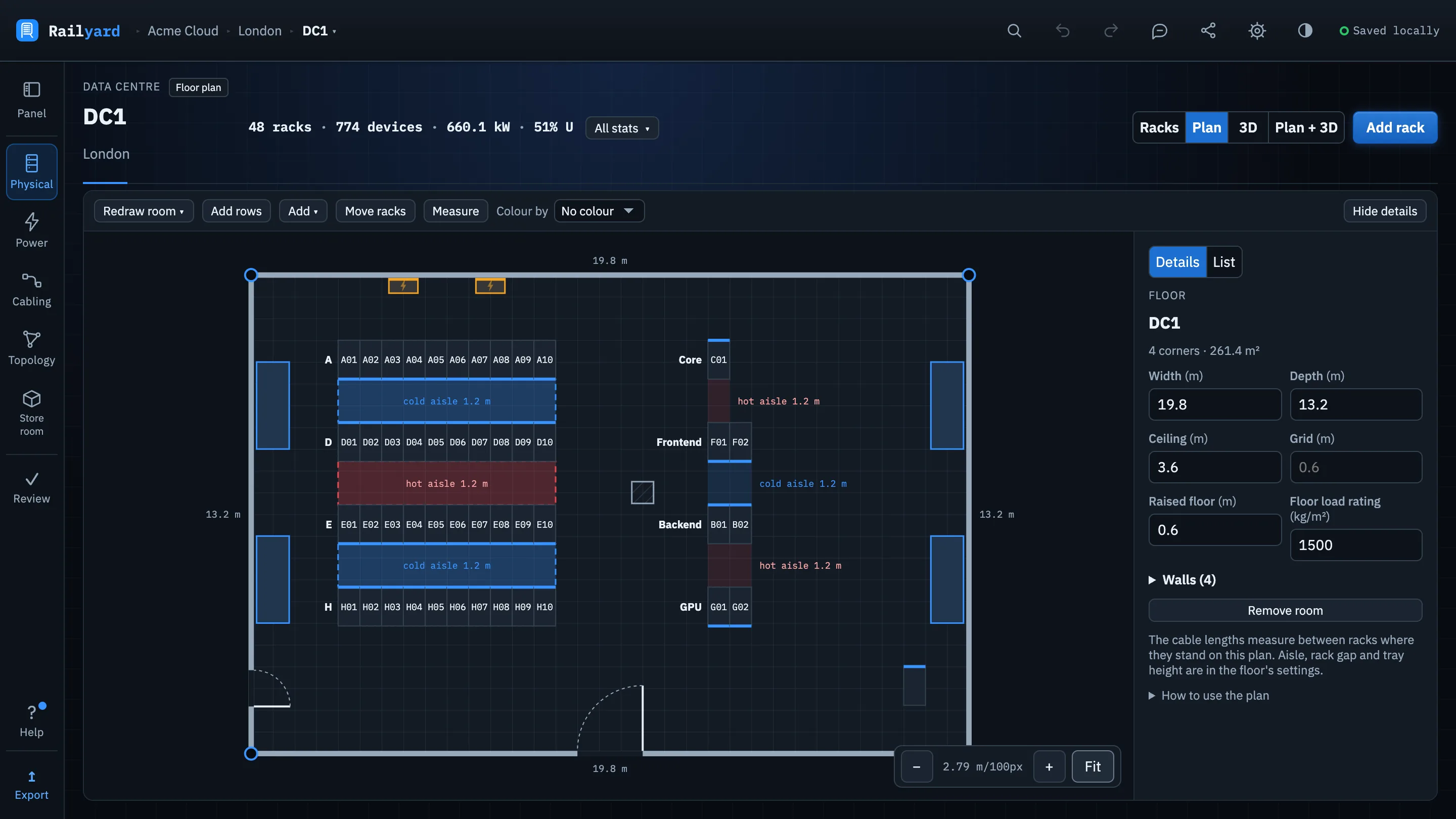
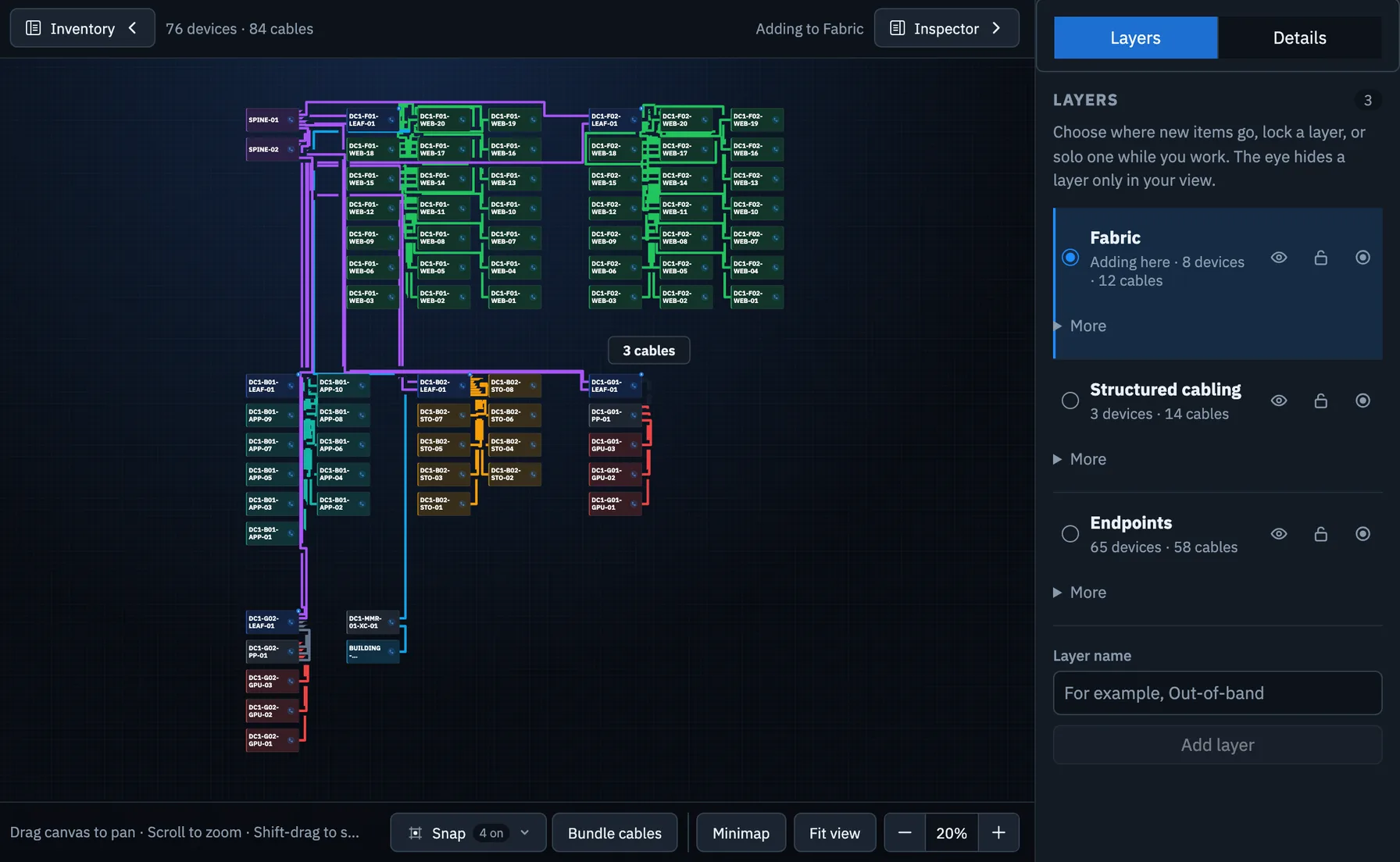
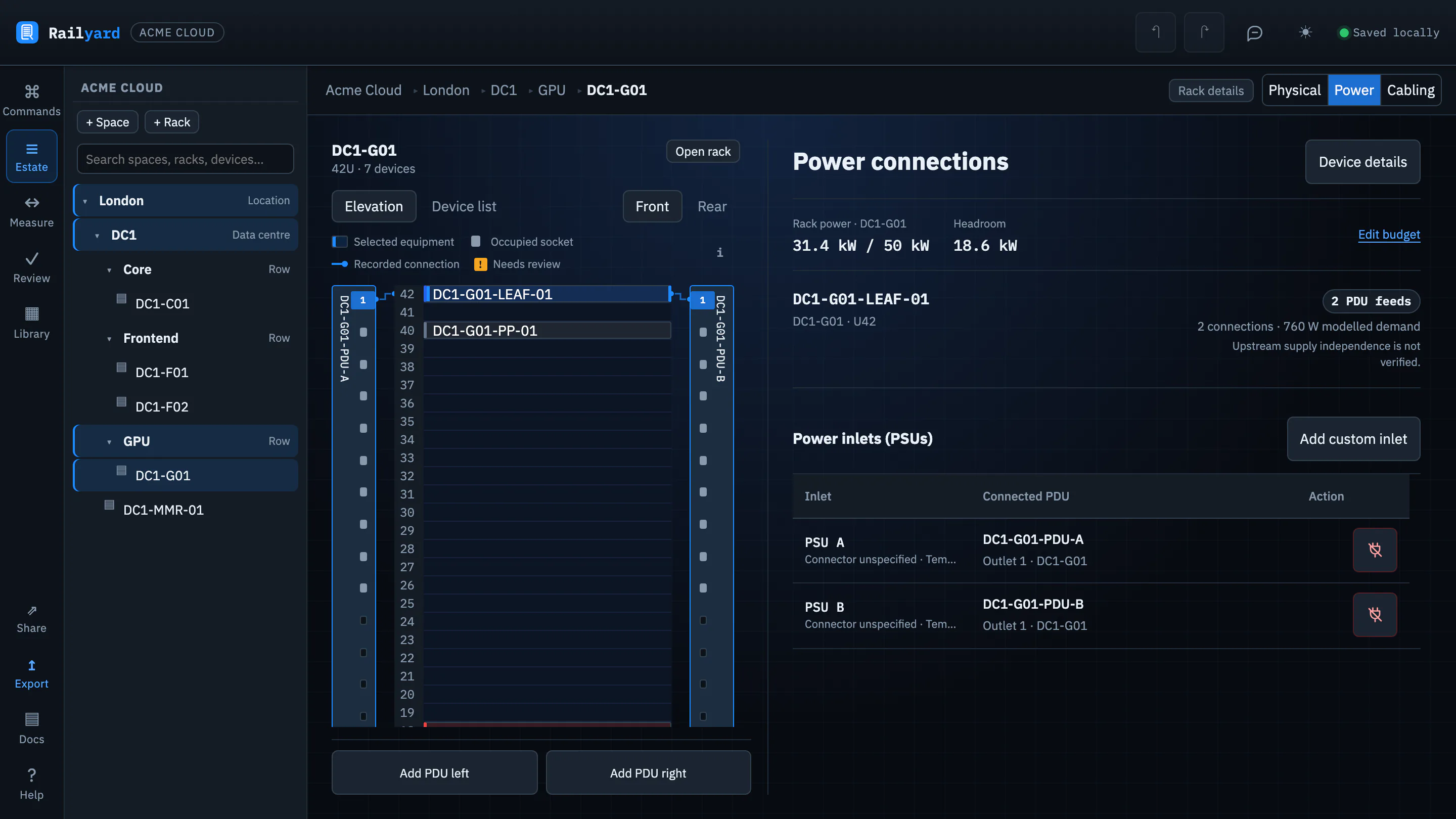
Railyard is data centre design software. You plan floor layouts, rack elevations, structured cabling, power and network topology in one browser-based workspace, and check the design for problems. Then you hand it over as installation documents and as import files for NetBox or Nautobot. A built-in library holds 7,000+ real hardware models. It is for planning a build or a change, not for monitoring a live site.
What is the difference between DCIM software and data centre design software?
DCIM software records and manages equipment that is already installed. Design software covers the stage before that: deciding where racks and devices go, how they are cabled and powered, and whether it all fits. Railyard is design software. When the design is agreed, you export it to a DCIM such as NetBox or Nautobot, so the record starts out matching the plan.
Do I still need NetBox or Nautobot?
Yes, and that is the point. Railyard is the design step before your source of truth, not a replacement for it. Model racks, topologies, cabling and power while the build is still being decided, then export import files your DCIM can load. Railyard does not discover, monitor or operate a live estate.
Can Railyard replace spreadsheets and Visio drawings for rack planning?
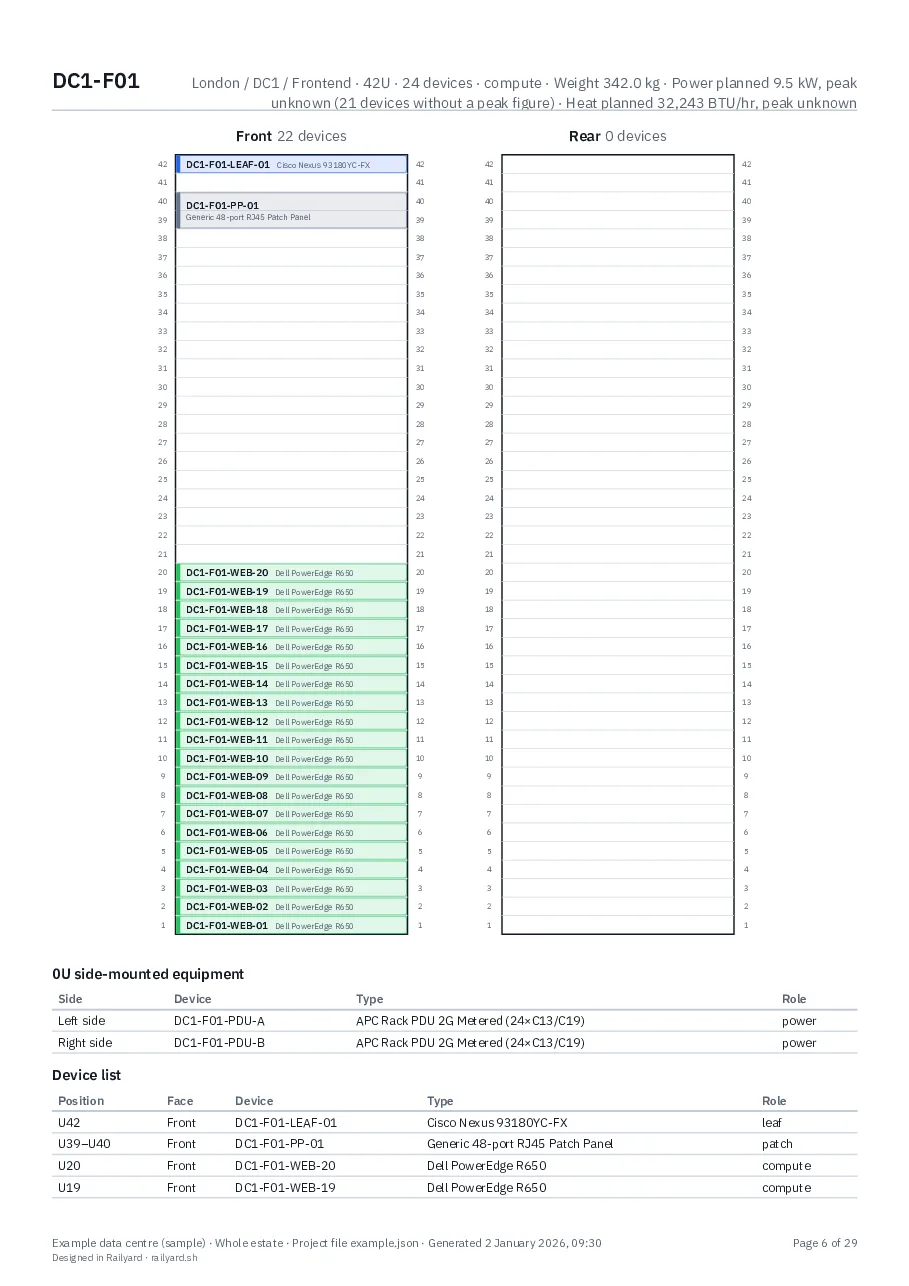
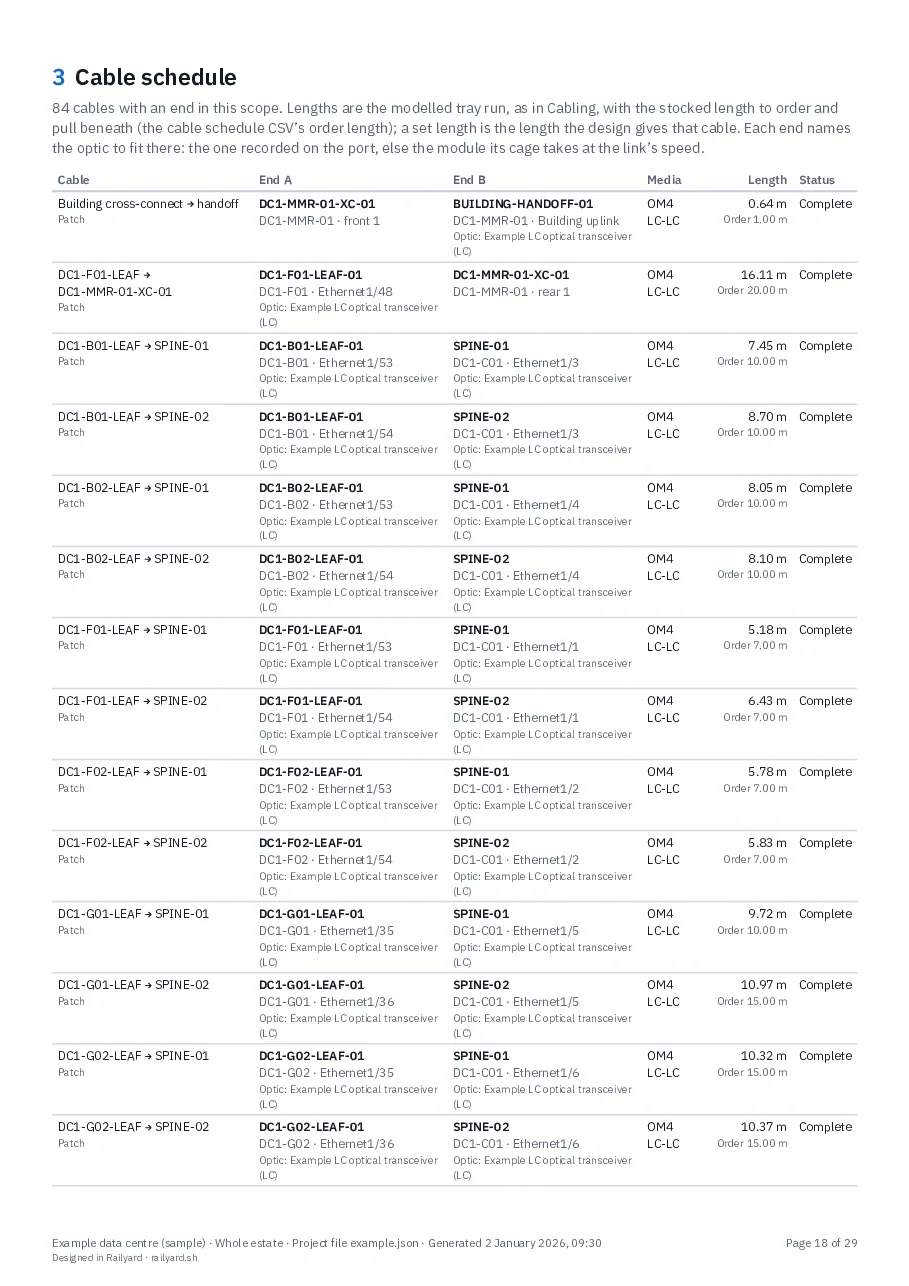
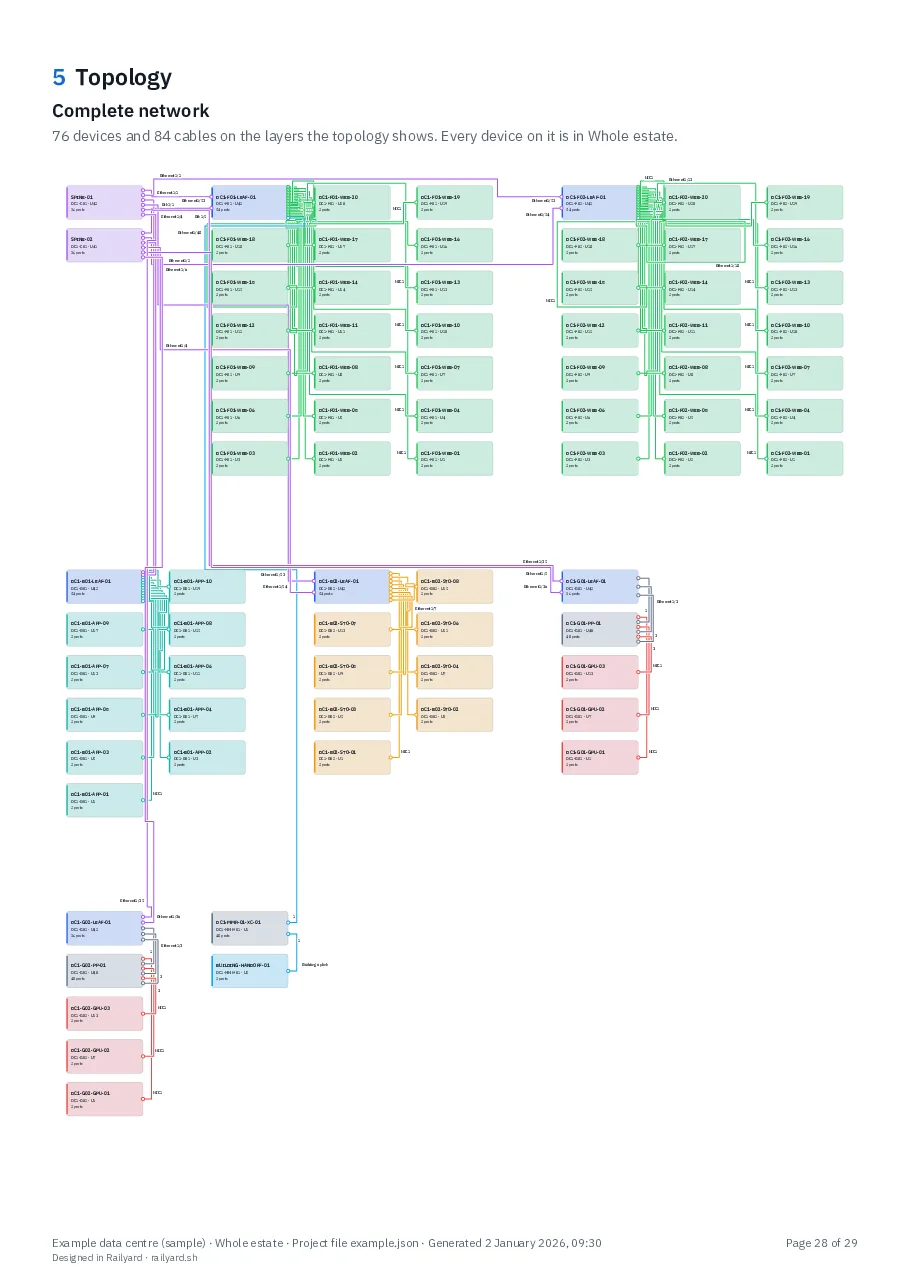
Yes, for the physical design. Rack elevations, cable schedules, power budgets and network diagrams all come from one design, so they cannot drift apart the way separate spreadsheets and drawings do. To get started, you can import existing racks, devices and cables from CSV files.
How much does Railyard cost?
Designing is free on the Community plan, with up to 25 racks per estate (an estate is Railyard's word for a project). The files you hand over cost £149 once for one estate with a Project Pass, or come with Pro at £49 a month or £490 a year and Team at £199 a month or £1,990 a year, which includes 5 editors and unlimited viewers. Prices exclude VAT.
Is the Community plan really free?
Yes. Community is free forever and needs no credit card. It includes 1 editor, unlimited estates and devices, up to 25 racks per estate, the full rack, topology, cabling and power design tools, version history and the raw project file. You pay only when you need the deliverables.
What is a deliverable?
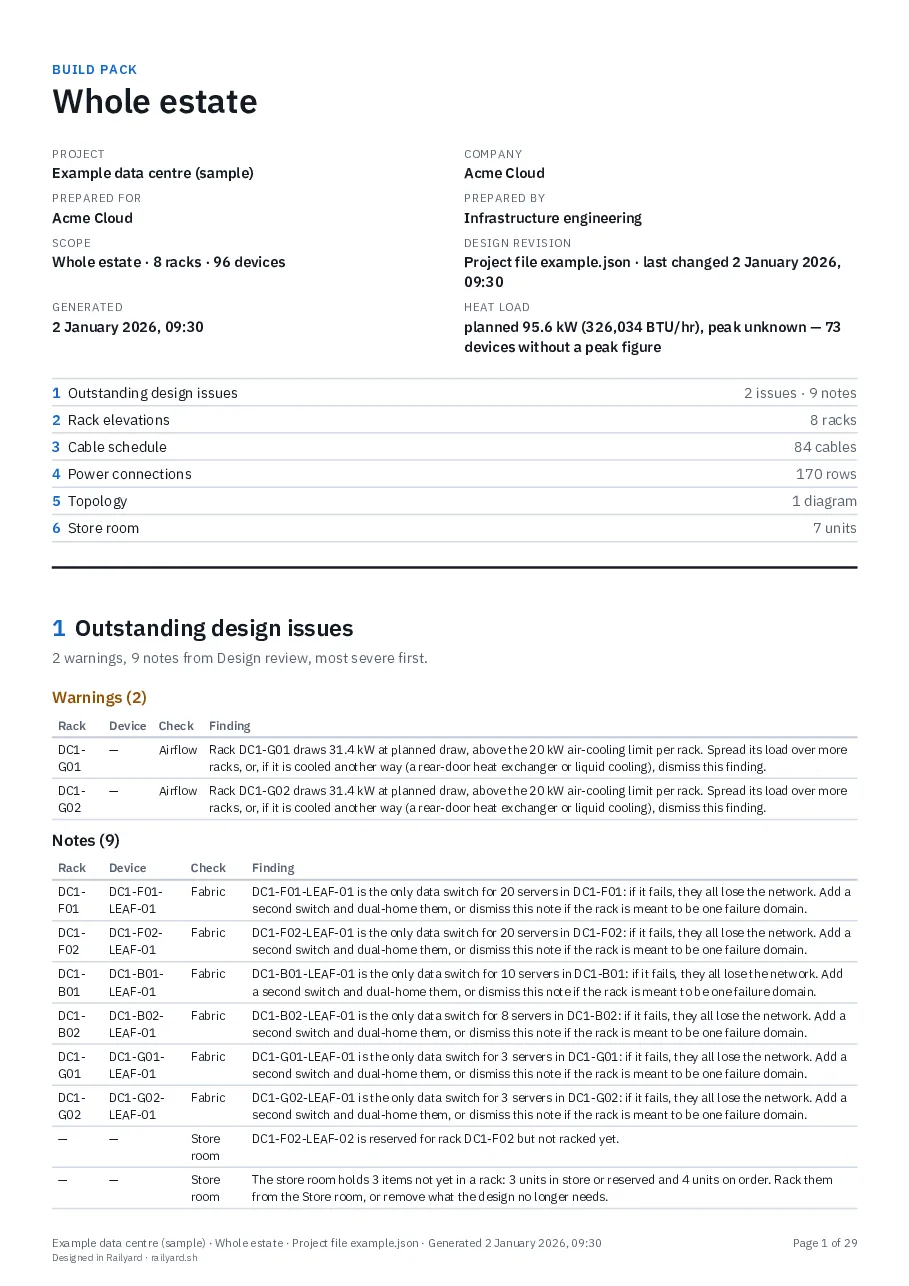
Deliverables are the files you hand to someone else: the build pack PDF, cable schedule, cable and rack labels, power schedule, power report, NetBox bulk-import bundle and Nautobot bulk-import bundle. The outputs made from the same data are paid with them: the handover pack, as-built record, bill of materials, optics and DAC list, rack QR labels, power cord list and Nautobot Design Builder bundle. They come with a Project Pass for one estate, or with a Pro, Team or Partner plan for every estate, while the estate is within its plan's rack limit. Community previews them on one rack of your own design. The raw project file (Railyard JSON) is not a deliverable: downloading and importing it is free on every plan.
What is a Project Pass?
A one-off payment of £149 that covers every deliverable for one estate in your personal space for 6 months, and raises that estate's limit to 100 racks. Nothing renews. When the pass ends the estate stays fully editable and its project file stays free to download; only its deliverables stop.
What happens when a paid plan or pass ends?
Your designs stay exactly where they are and stay editable. Nothing is deleted, hidden or made read-only. You keep full design access and the raw project file. Only deliverables, and creating new branches and merge requests, stop until you renew, upgrade or buy a Project Pass. Community's rack limit then applies to growth, and an estate already over it stays editable and can shrink.
Can I run Railyard on my own servers?
Yes. Self-hosted is an annual licence whose size, support and price we agree with you, rather than a plan bought online. A self-hosted server runs without billing, so every feature and deliverable is available and the software itself enforces no plan limits.
How can I sign in, and is single sign-on available?
Sign in with a one-time 8-digit email code, Google, GitHub, or a Microsoft work or school account. Owner, editor, and viewer roles are available. SAML/OIDC federation to your own identity provider (such as Okta or Entra ID) is planned; it is not available on the hosted service yet.